
BACKUP / RESTORATION
Security is not only about preserving you from prying eyes, it is also about guaranteeing data durability by performing a regular backup (which is also essential in the case of a smartphone change).
Backup and restoration tools are accessible from the general menu.
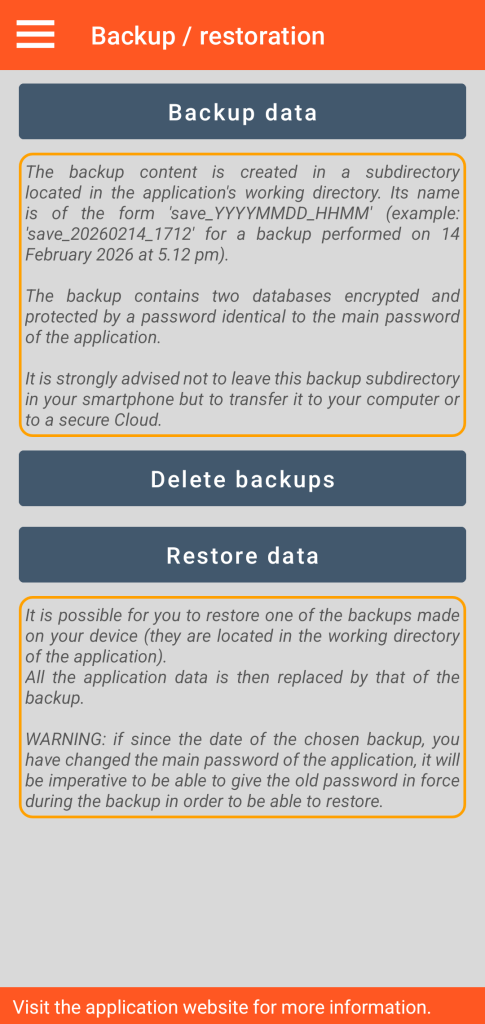
Backup
This function creates a backup in the form of a sub-directory named “save_YYYYMMDD_HHMM” (meaning Year, Month, Day, Hour, Minute) placed in your working directory. Example: “save_20260214_1712” for a backup performed on 14 February 2026 at 17:12.
The files contained in this backup are encrypted (military grade AES 256 encryption) and can only be exploited by the GO Passwords – LocalSafeBox application.
In order to protect you from being deprived of your confidential data in the event of loss or theft of your smartphone, this backup sub-directory is not intended to be kept on your smartphone; it must be moved to a safe place: your fixed workstation for example or an ultra-secure sovereign Cloud…
Each backup set carries its master password which must be used in the case of a restoration.
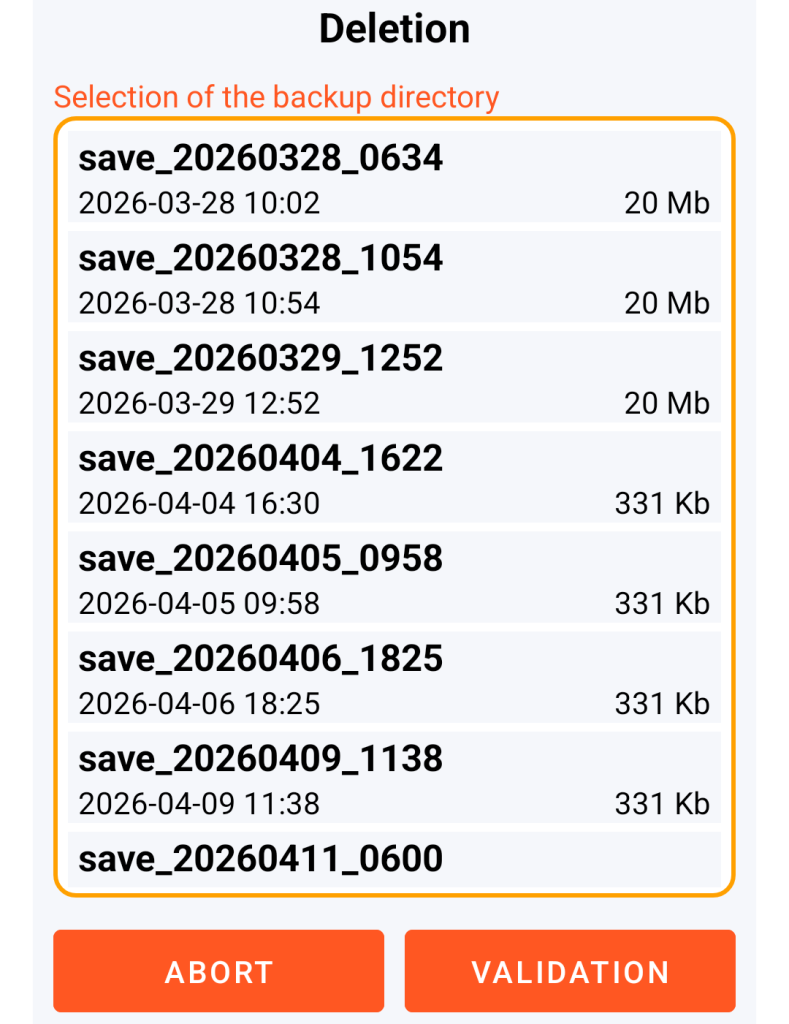
Backup deletion
Choice of the backup to delete
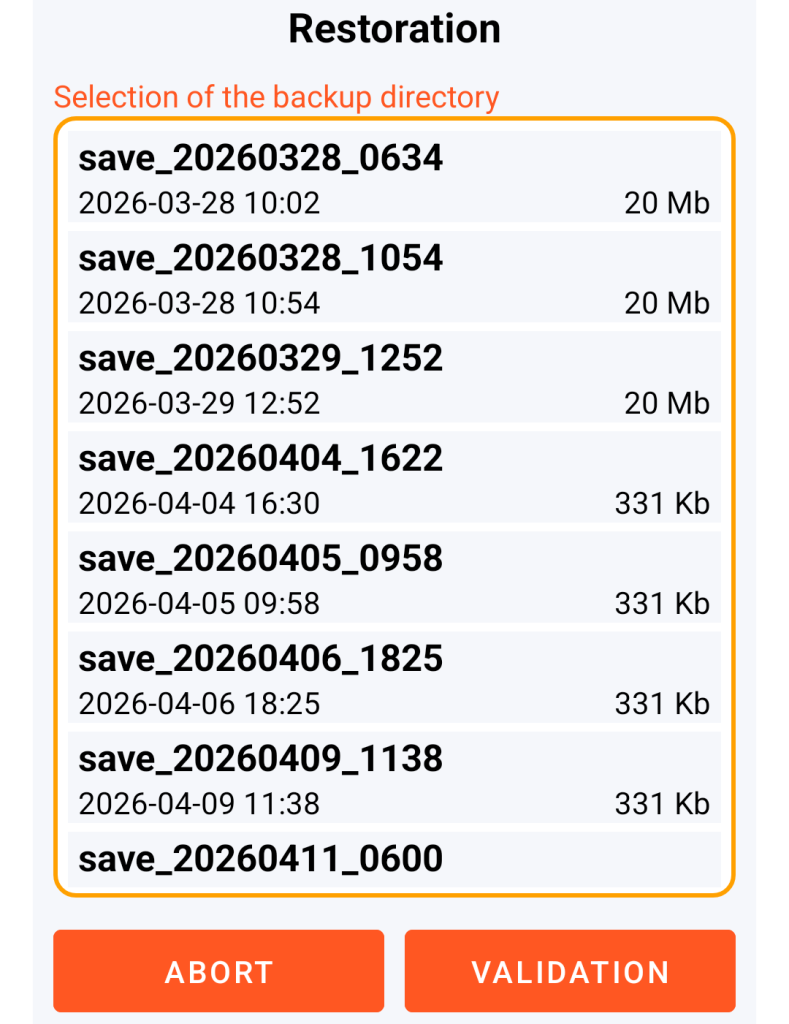
Restoration
Choice of the backup to restore
Problem that may be encountered during the restoration of the backup file
Due to the constraints imposed by its file management system, Android may in certain cases (depending on the version) prevent you from copying (to your working directory) a backup sub-directory from your workstation.
To bypass this potential problem, the solution consists of first renaming the backup sub-directory from your desktop computer then copying it back into your working directory.
Example: you rename “save_20260214_1712” to “save_bis_20260214_1712” which you copy onto your smartphone (into the working directory) and which you restore.