GO Passwords – LocalSafeBox: high-end password manager and digital vault
The universal offline solution to protect your confidential data and access it easily

A Premium password manager
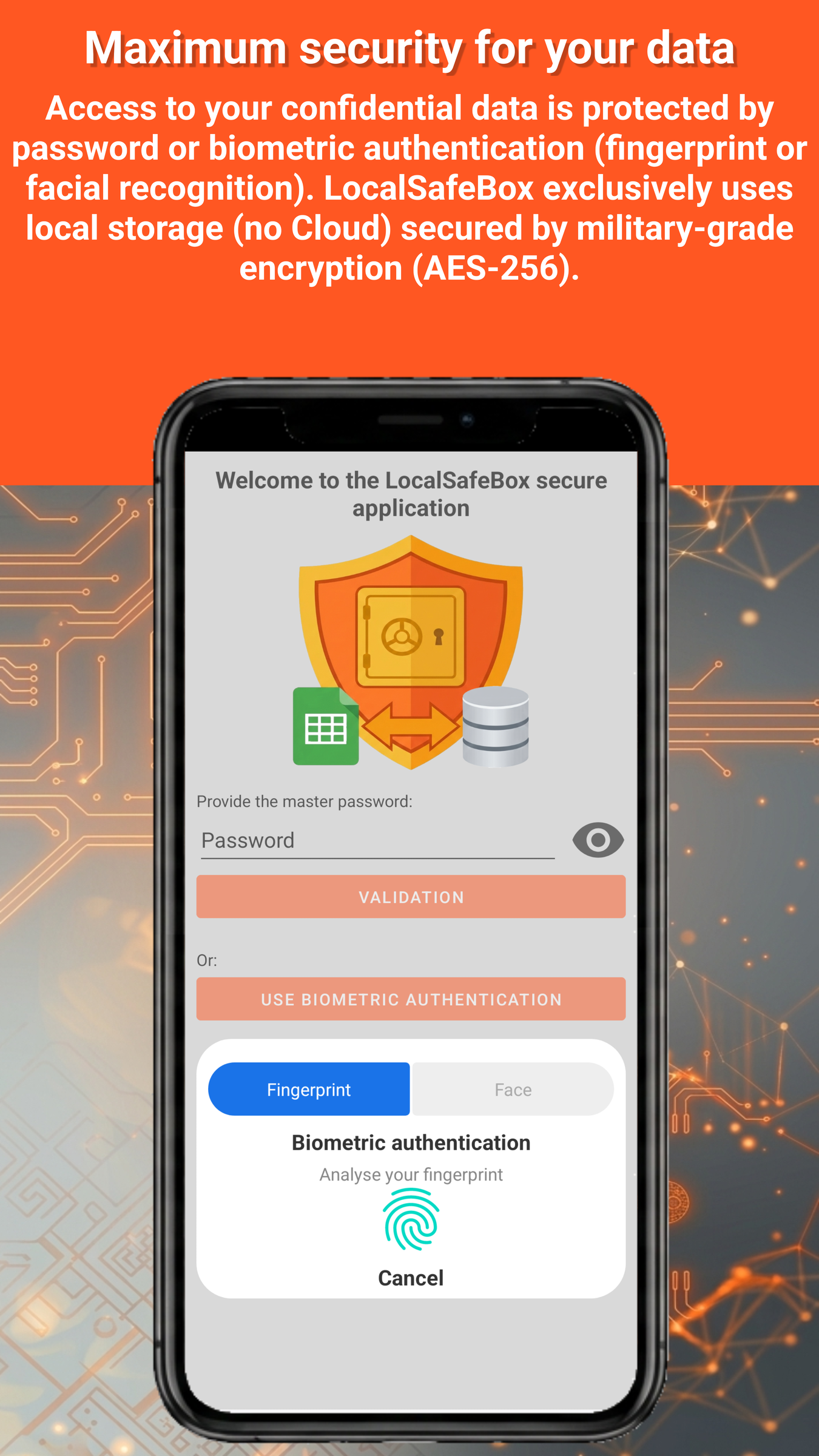
In a world where every online account is a gateway to your digital life, security should never be a secondary option. GO Passwords – LocalSafeBox is not just a simple password manager, it is a true digital fortress, designed for users who demand excellence.
Professional-grade security, right at your fingertips
No more weak passwords reused everywhere. Our random password generator creates, in an instant, configurable, robust, and unique combinations for each of your accounts, with a clear display of their strength level so you know exactly where you stand.
And because modern security doesn’t stop at a username and password, GO Passwords – LocalSafeBox integrates a comprehensive 2FA authenticator (TOTP codes); no more juggling multiple apps to secure your most sensitive accounts. Everything is centralized, everything is protected.
Autofill reimagined
Usable with websites and your smartphone apps, GO Passwords – LocalSafeBox autofill goes far beyond simple username and password. It intelligently extends to your bank cards, securely filling in the number, cardholder name, expiry date, and CVV whenever you need them, without ever unnecessarily exposing this sensitive data.
At the cutting edge of innovation: passkeys
GO Passwords – LocalSafeBox fully embraces the future of authentication with comprehensive passkey management, the technology that gradually replaces the traditional password with next-generation cryptographic security, without ever sacrificing ease of use.
Excellence, without exception
High-performance generator. Integrated 2FA authentication. Universal autofill. Next-generation passkeys. GO Passwords – LocalSafeBox reaches the exacting standards of the best password managers on the market with the rigor of a tool designed never to compromise on your security.
A digital vault that goes far beyond mere password management
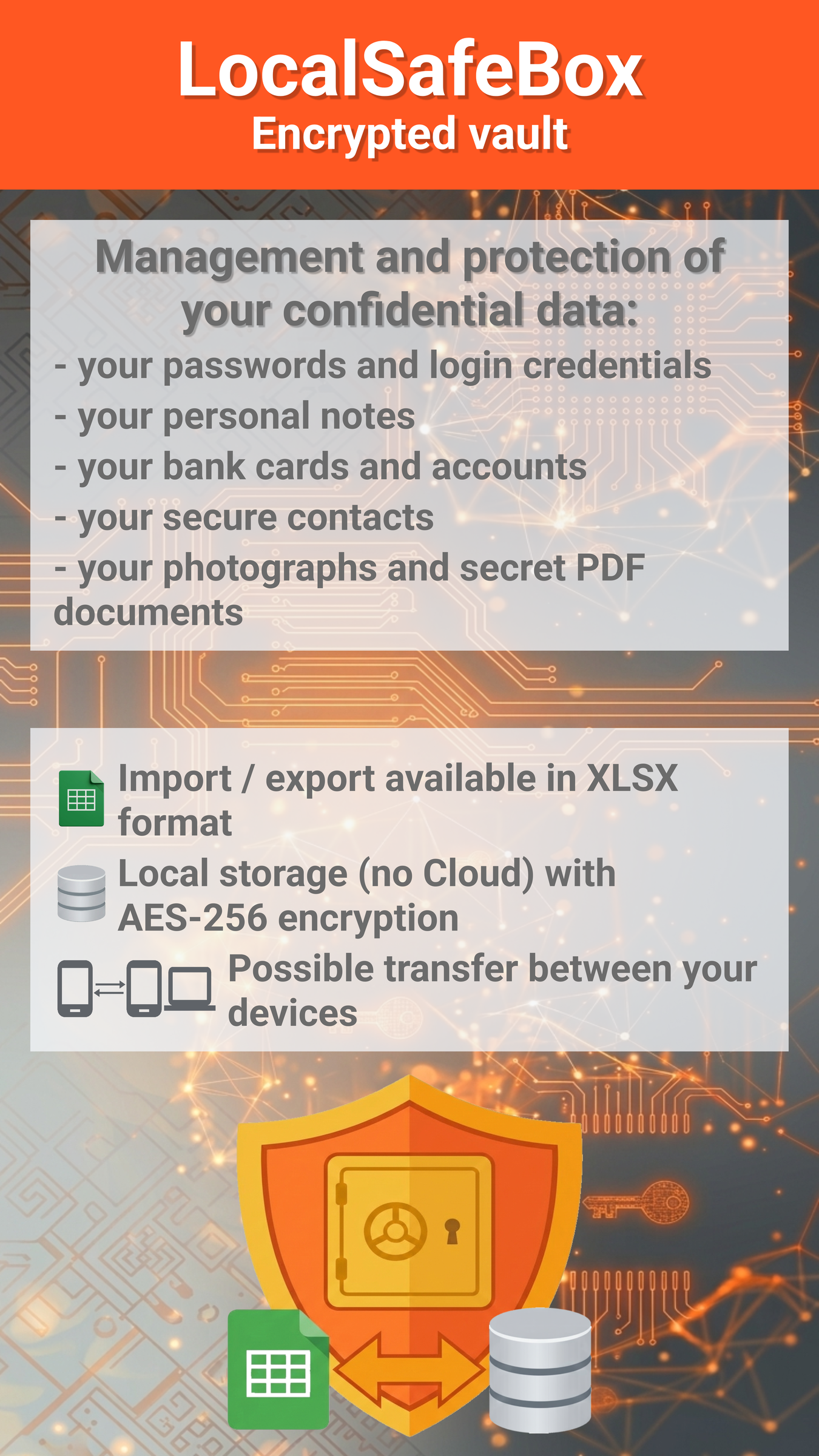
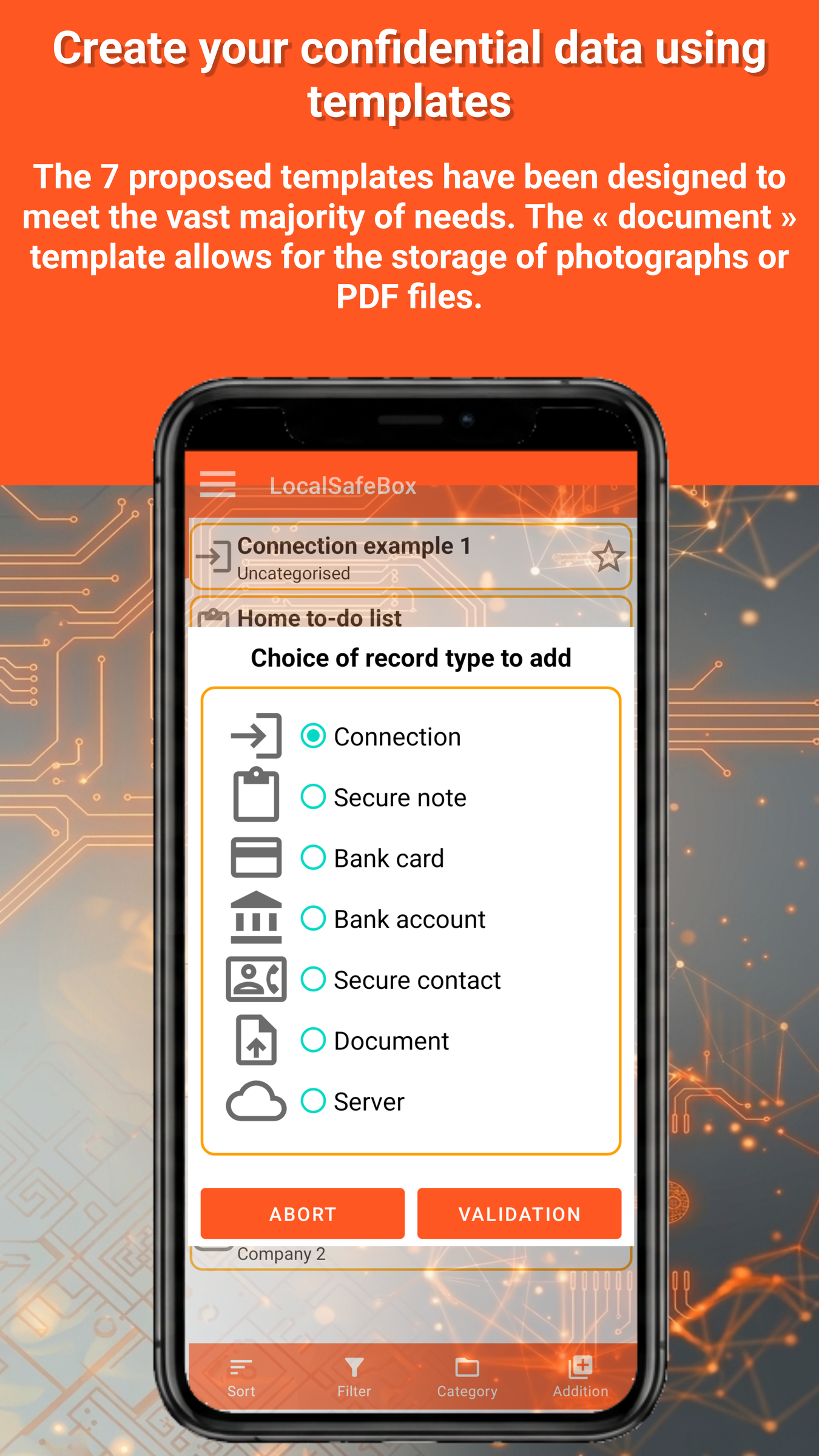
The app allows you to manage on your smartphone in an ultra-secure way (without Cloud) a digital vault containing confidential information such as passwords or login credentials, but also data related to cards or bank accounts, personal notes, or secured contacts.
It is also possible to include JPEG, PNG or WEBP format images (including personal photographs or identity documents) as well as PDF files (documents with high commercial or industrial value for example) to ensure their confidentiality.
Local storage (no Cloud) and military-grade encryption
All your sensitive data and confidential files are exclusively stored locally on the smartphone (no Cloud) in an encrypted database (AES 256) which can only be read by the application.
The “Zero-Knowledge” architecture guarantees absolute confidentiality of your access; no key is sent or stored anywhere other than on your device: neither we nor any third party can read your data.
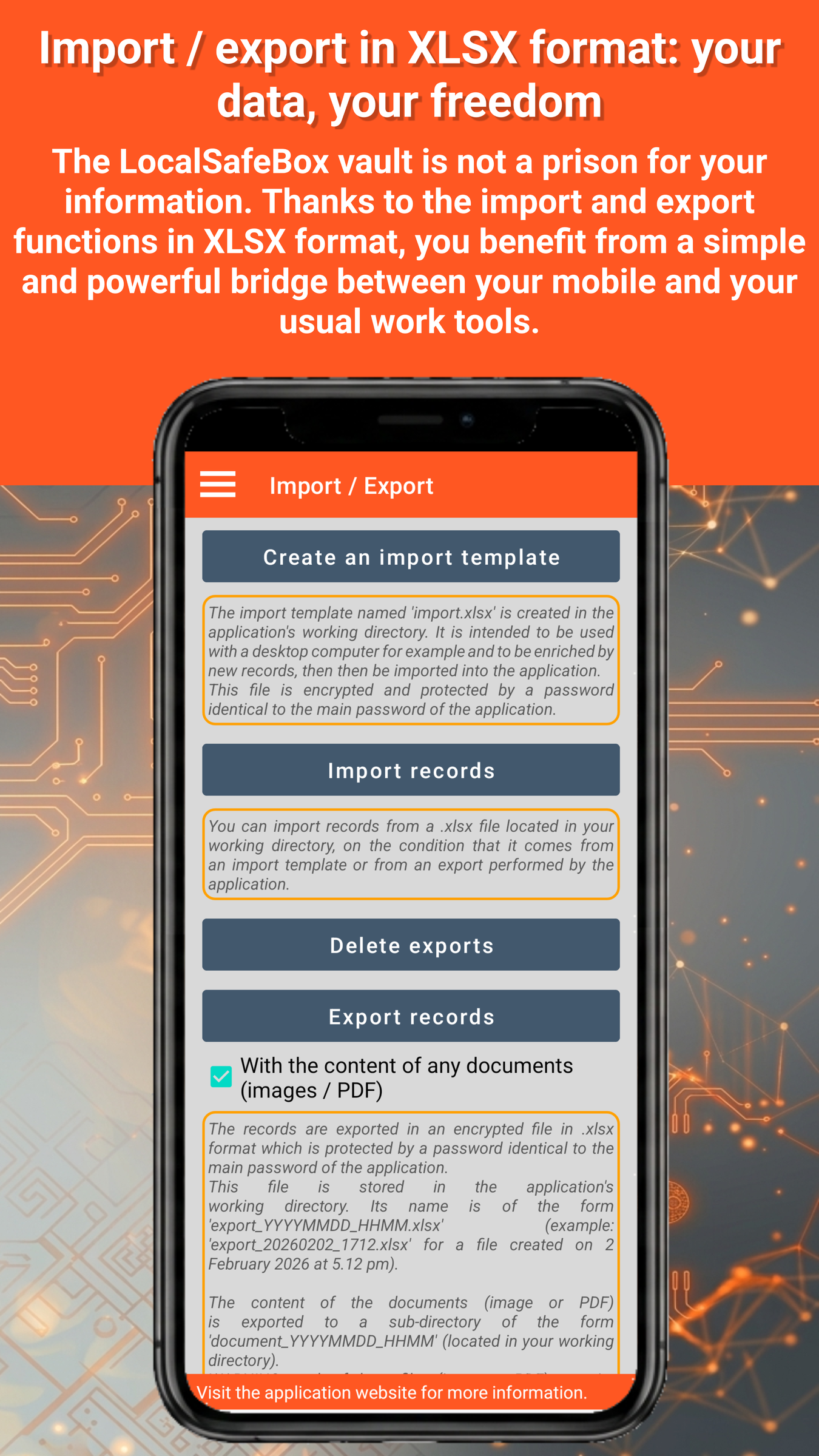
Import / export available in Excel XLSX format and possible transfer of the database between your devices
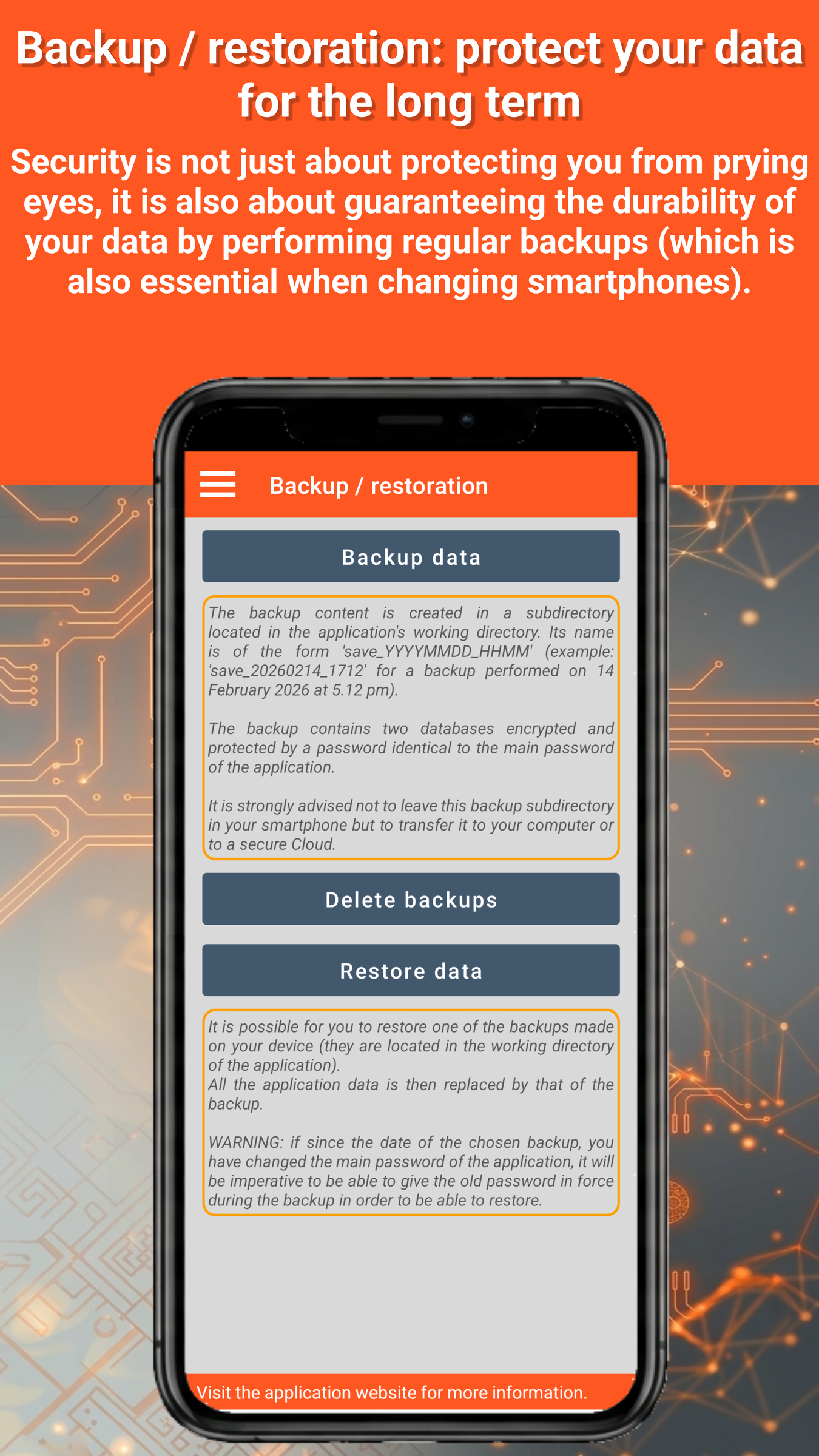
The GO Passwords – LocalSafeBox app also offers the ability to import/export records from Excel XLSX files, which are also encrypted and password-protected (an import template is provided). Database backup/restore features protect you against data loss in the event of changing smartphones, loss, or theft.
Use your digital safe with ease
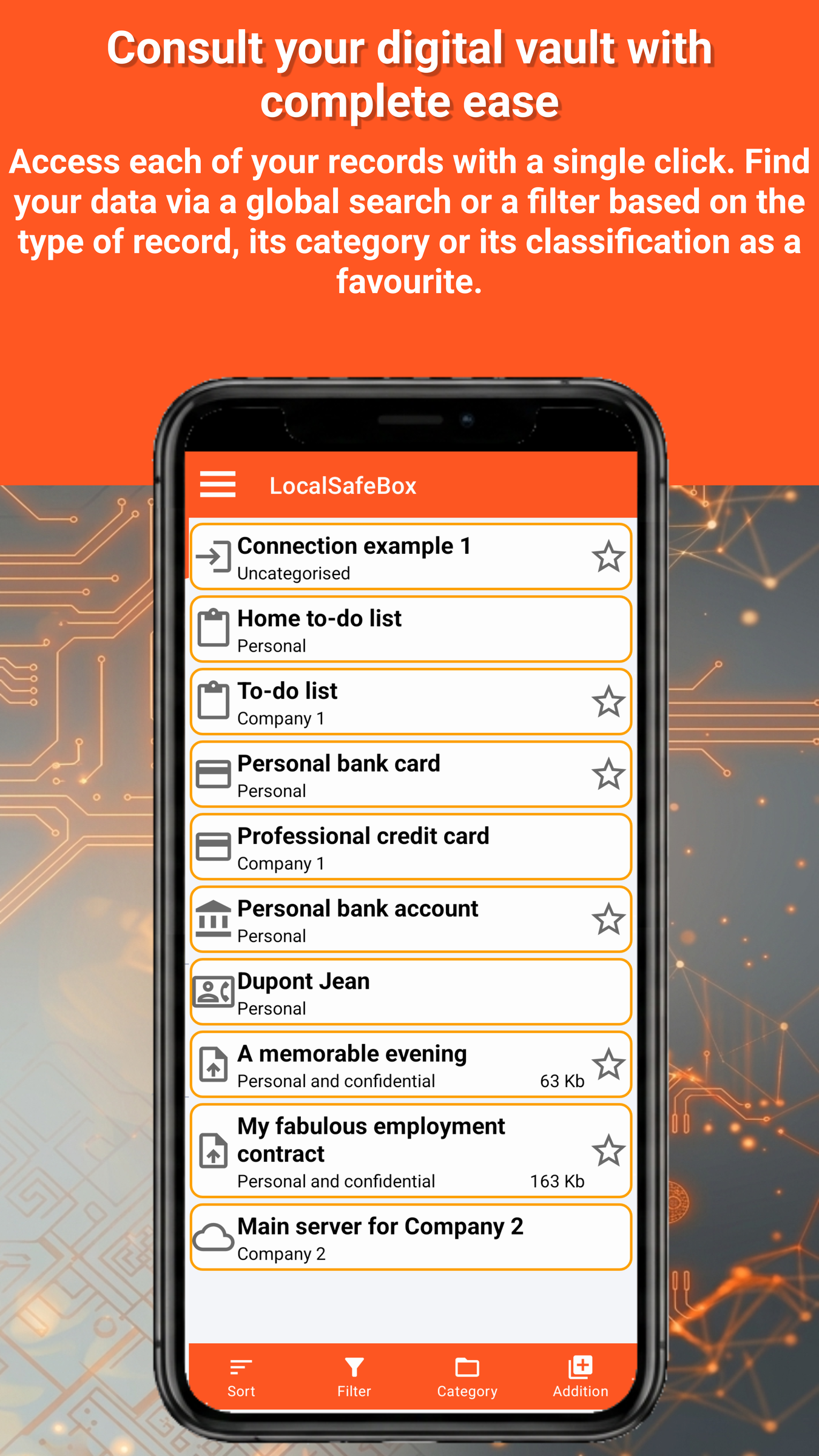
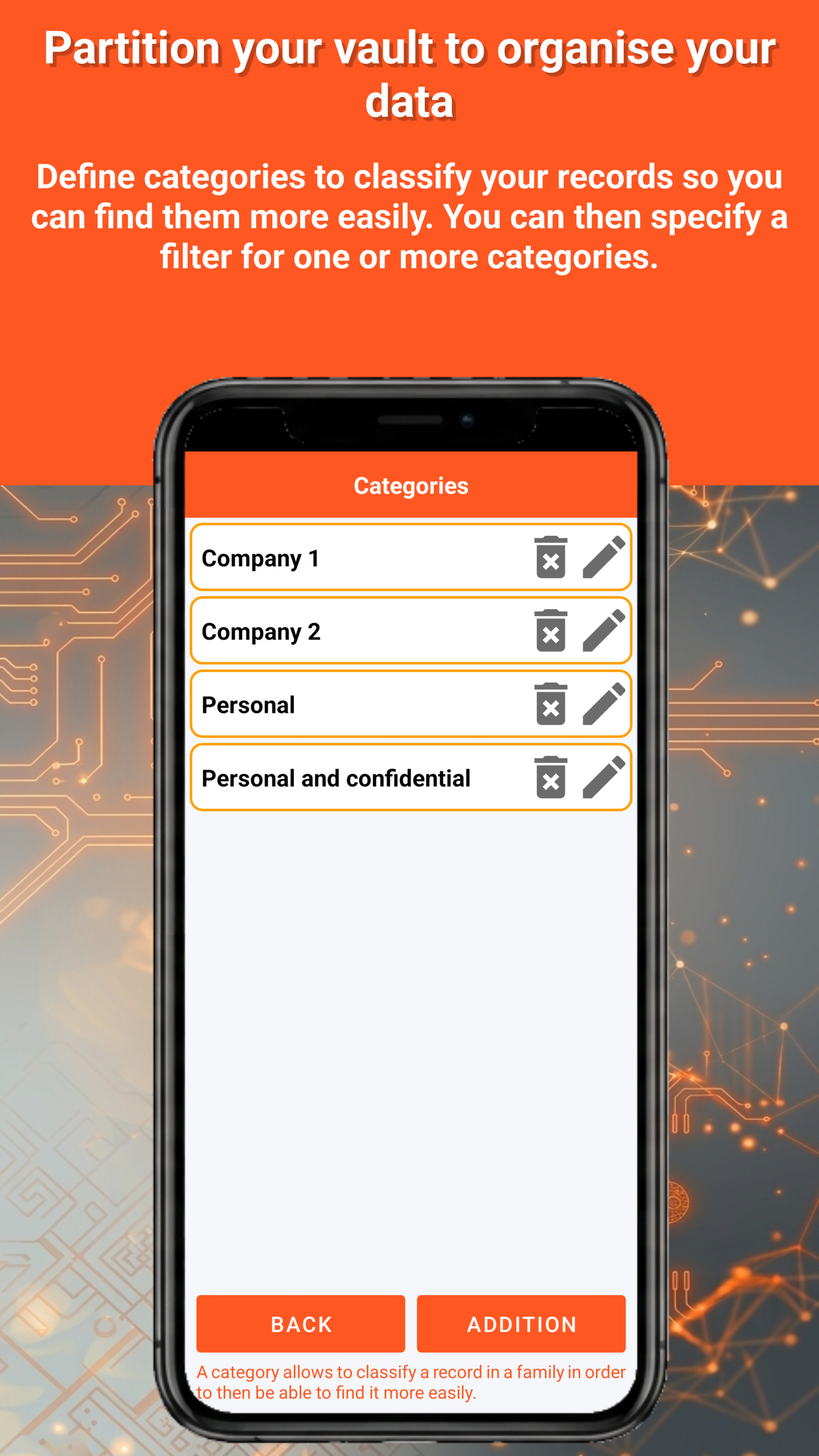
Tools for categorising records, ranking as favourites, global search, sorting and filtering allow you to find information quickly and easily.
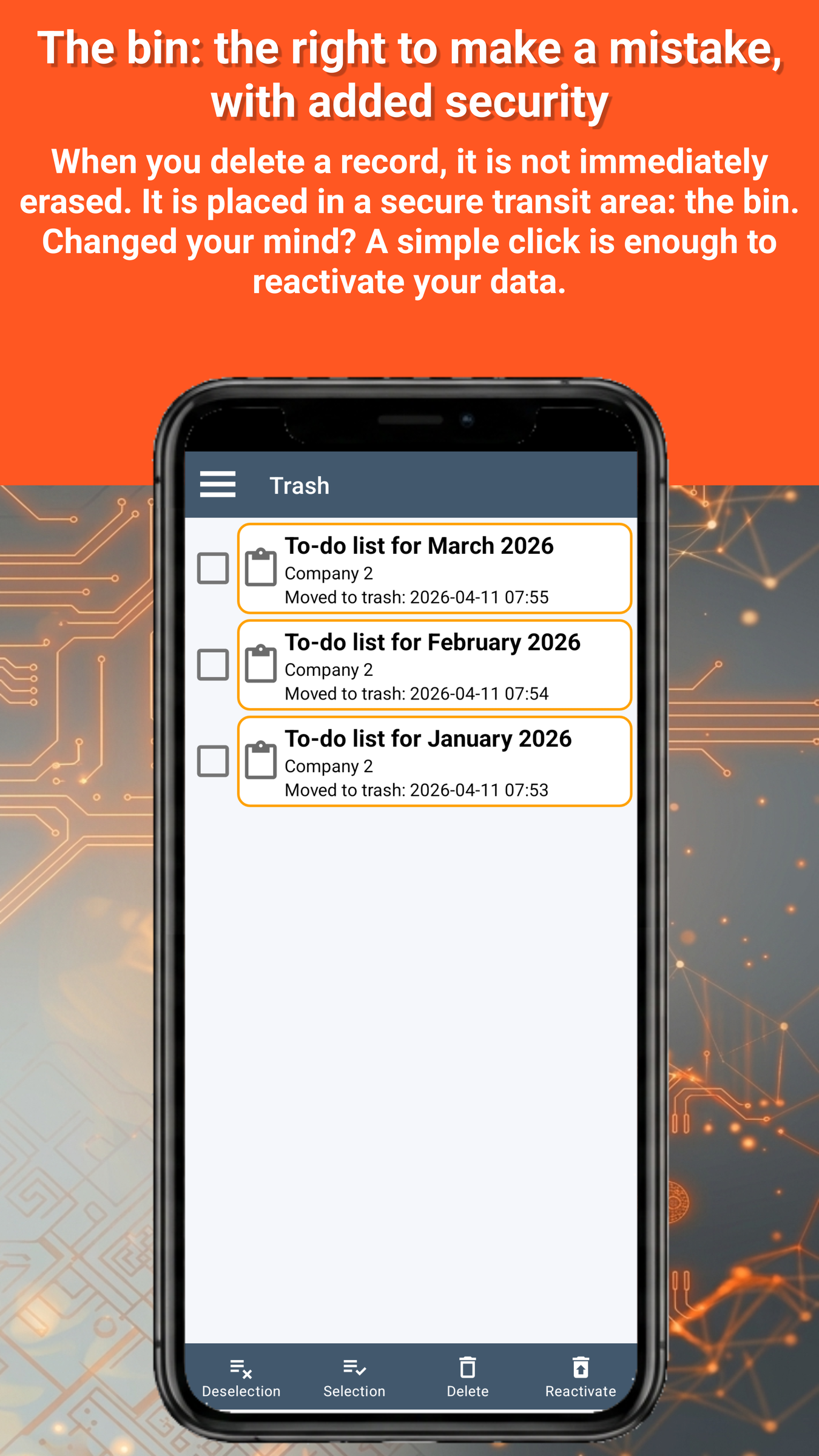
A bin is in place to protect you from any accidental deletion: a record present in the bin can be permanently deleted or reactivated. Maintenance tools are also offered to optimise the operation of the database in the case of a very large number of updates.
GO Passwords – LocalSafeBox can be used in 54 languages, with a dark or light graphic theme, the application closes automatically after a configurable period of inactivity, and the clipboard is systematically cleared.
Possibility to test the application for free (within the limit of creating 3 records) No advertising
Annual subscription including corrective and evolutionary updates
This Premium subscription is one of the cheapest on the market, plus it features a fair price tailored to the standard of living of each country
Cancellation possible at any time
Already available on the Google Play Store

Soon available on the App Store