
CONFIGURATION and MAINTENANCE
Settings
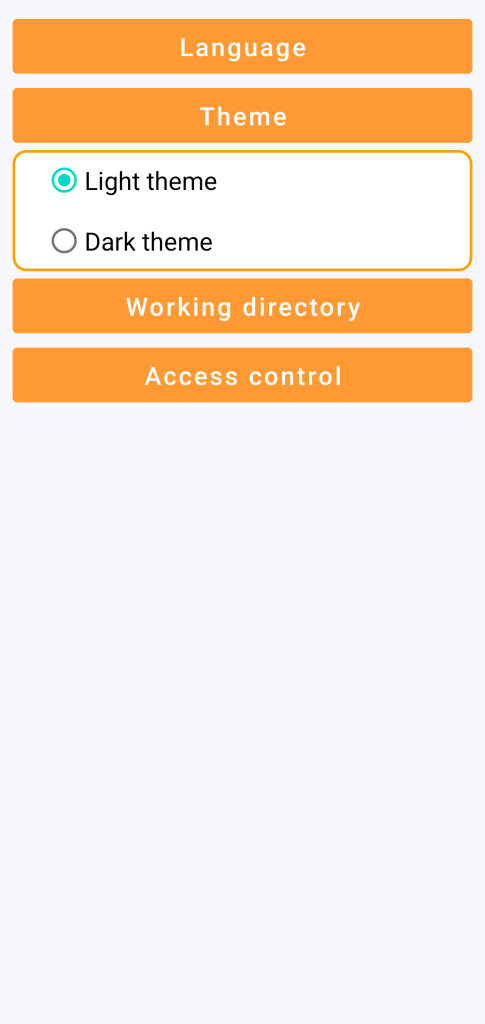
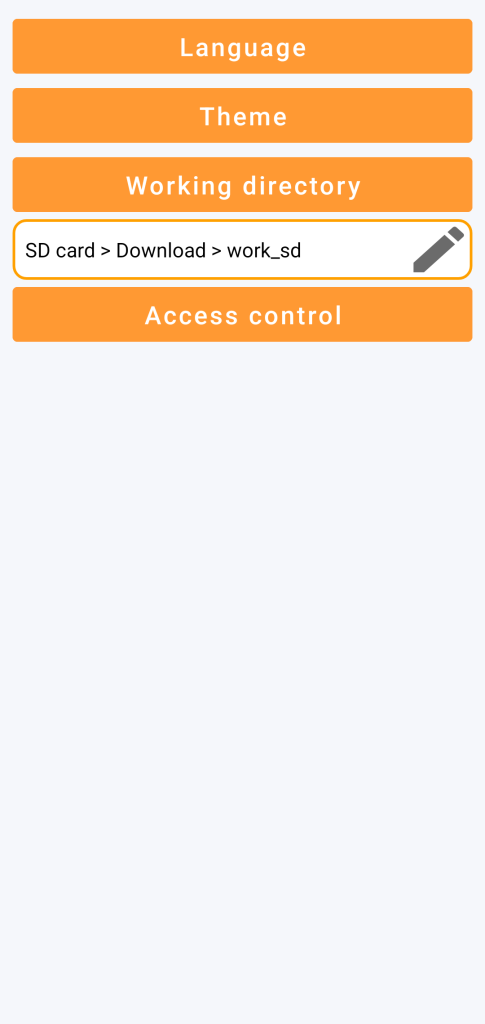
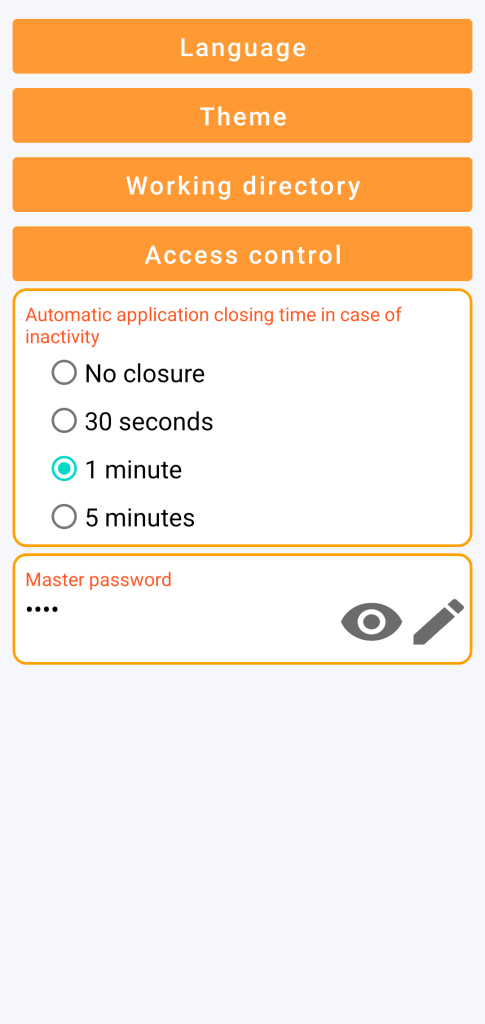
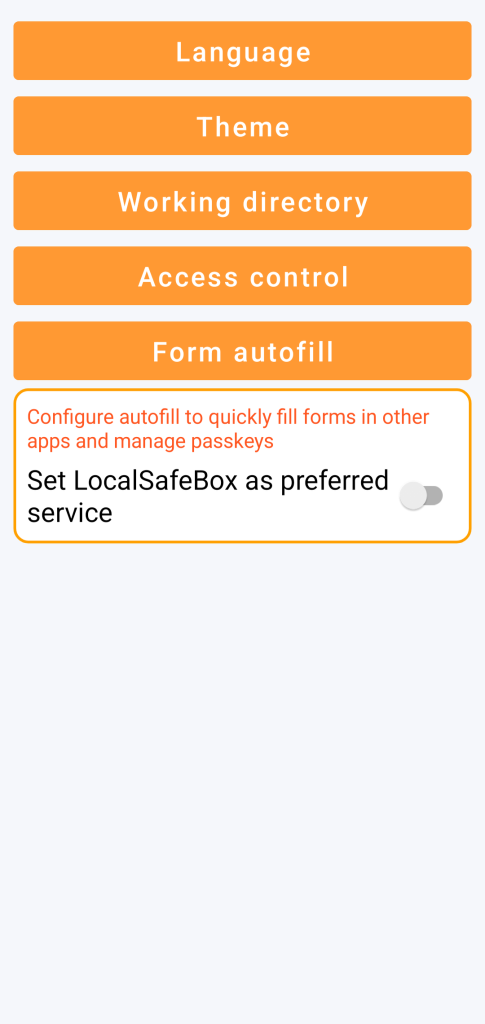
GO Passwords – LocalSafeBox allows you to set the language, visual theme, modify the location of the working directory and define the components of access control.
Settings are accessible from the general menu.
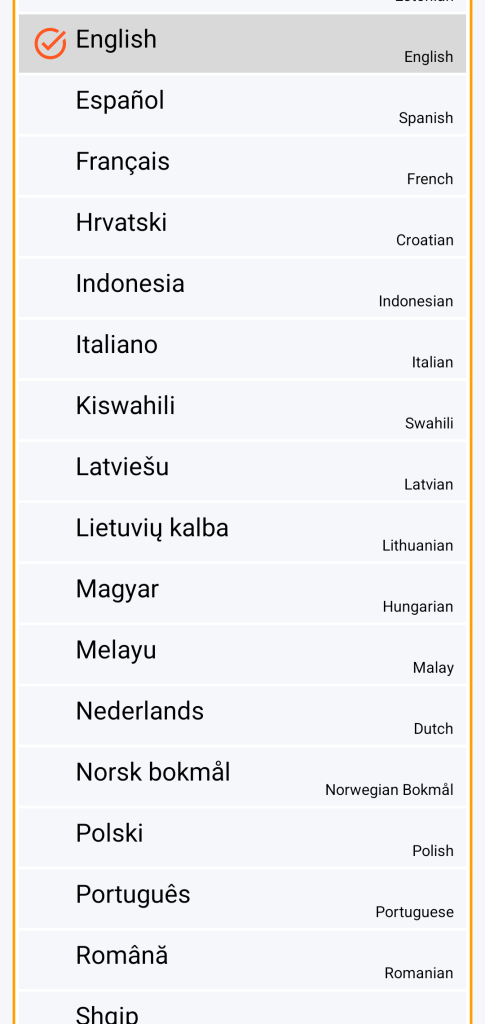
Language
54 languages are available:
Afrikaans
Albanian
Arabic
Armenian
Azerbaijani
Bangla
Belarusian
Bulgarian
Burmese
Chinese
Croatian
Czech
Danish
Dutch
English
Estonian
Finnish
French
Georgian
German
Greek
Hebrew
Hindi
Hungarian
Indonesian
Italian
Japanese
Kazakh
Khmer
Korean
Lao
Latvian
Lithuanian
Macedonian
Malay
Mongolian
Nepali
Norwegian
Persian
Polish
Portuguese
Romanian
Russian
Serbian
Slovak
Slovenian
Spanish
Swahili
Swedish
Thai
Turkish
Ukrainian
Urdu
Vietnamese
Visual theme
Working directory
Access control
Autofill
Note that changing the master password causes a new encryption of the database.
Autofill allows you to automatically fill in username/password fields as well as bank card information in websites or smartphone apps.
To do this, you must:
- set GO Passwords – LocalSafeBox as preferred service
- allow your browser (e.g. Chrome) to use another autofill service
Important to know: usually, when you leave any application or when it closes automatically, Android takes a snapshot of your screen. This is the image you see displayed when you browse the list of your recent applications.
As a security measure to avoid risking the exposure of your confidential data, GO Passwords – LocalSafeBox systematically masks this preview with the following image.
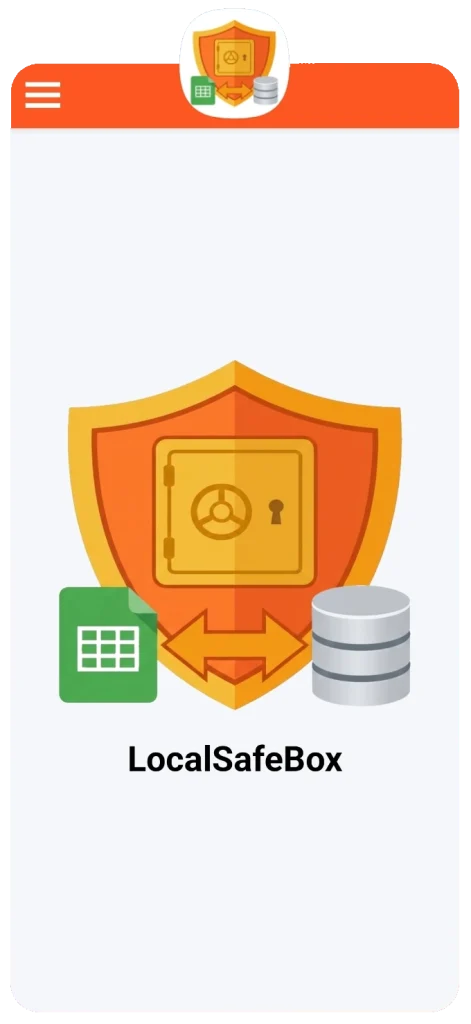
Also note, always for security reasons, that the clipboard is systematically cleared when you leave the application.
Maintenance
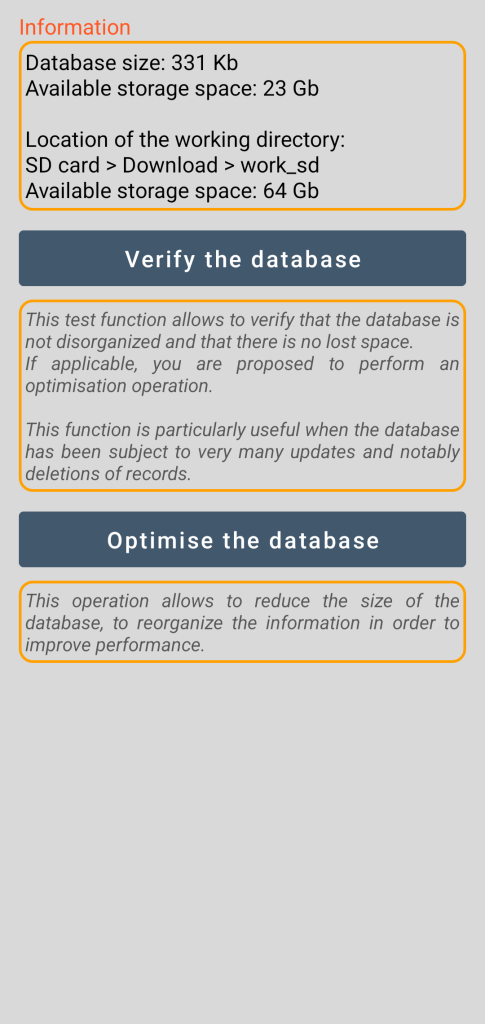
The purpose of maintenance is to provide you with optimisation tools that are justified when your vault has been subject to a very large volume of updates.
These database maintenance tools are accessible from the general menu.
The verification tool informs you of the possible need to launch an optimisation operation.
The optimisation function performs a database compaction operation.