
CONTACT MANAGEMENT
Contacts are trusted individuals of your choice who are notified or contacted (by phone call or SMS) when an alert is triggered.
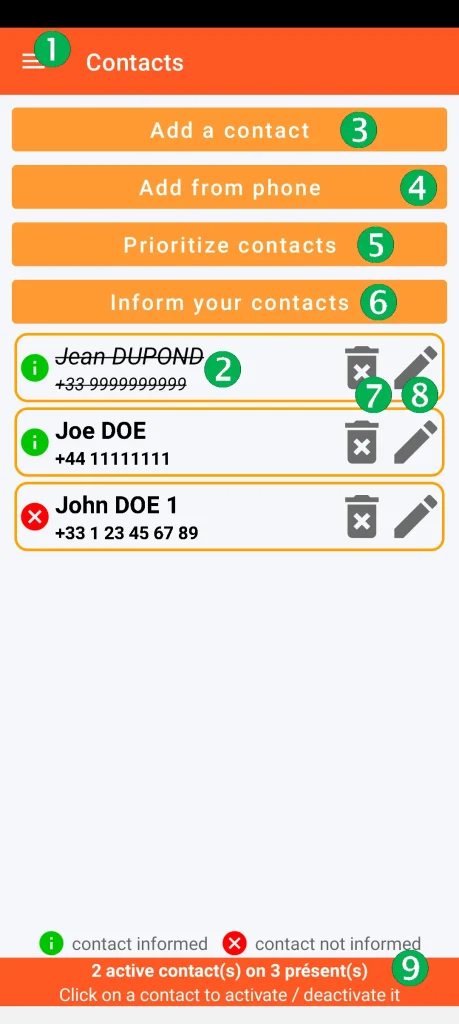
(1) Access to the general menu
(2) List of saved contacts:
– a contact is crossed out (by a single click) to make it temporarily inactive (example here: Jean Dupond). A second click reactivates it.
– the green pictogram (i) indicates that the contact has been informed that they may be requested by an alert.
– the red pictogram (x) indicates that the contact has not yet been informed.
NB: to be used during an alert, a contact must be active AND have been informed.
(9) A summary of the number of active contacts is present at the bottom of the screen.
(7) Delete a contact
(8) Modify a contact
(3)(8) Add / Modify
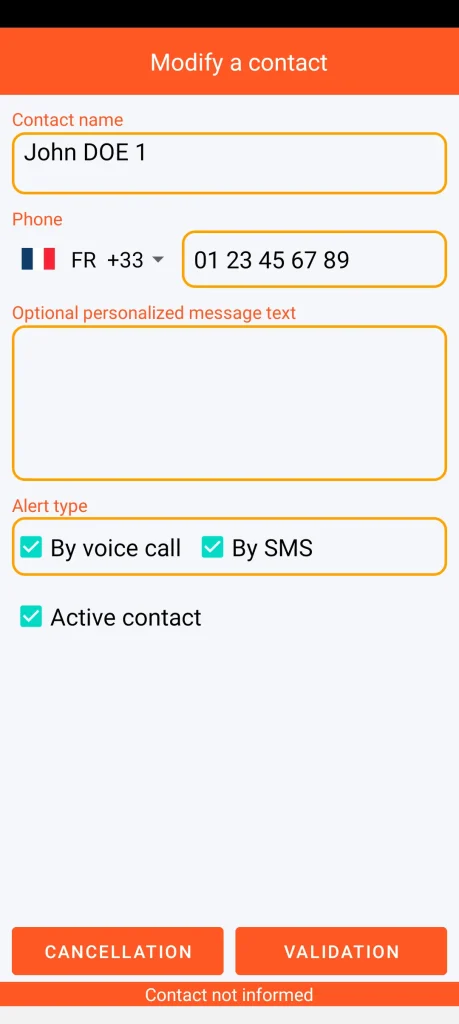
The optional personalised message replaces the standard SMS message.
NB: in order to comply with regulations in force in many countries, official emergency service numbers (e.g., 17, 18, 112, 911, etc.) are prohibited.
The date is expressed in YYYY-MM-DD format (international standard ISO 8601).
(4) Add from smartphone contacts
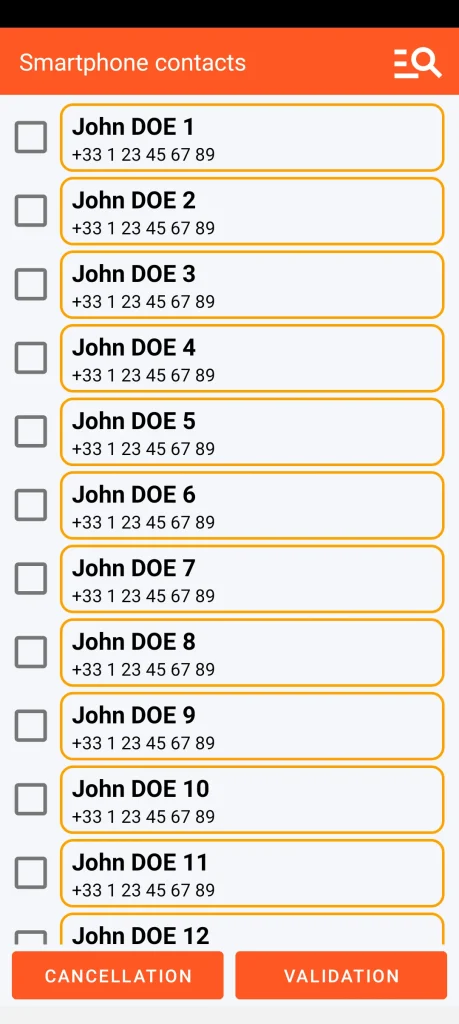
It is possible to search contacts on the smartphone.
(5) Prioritize contacts
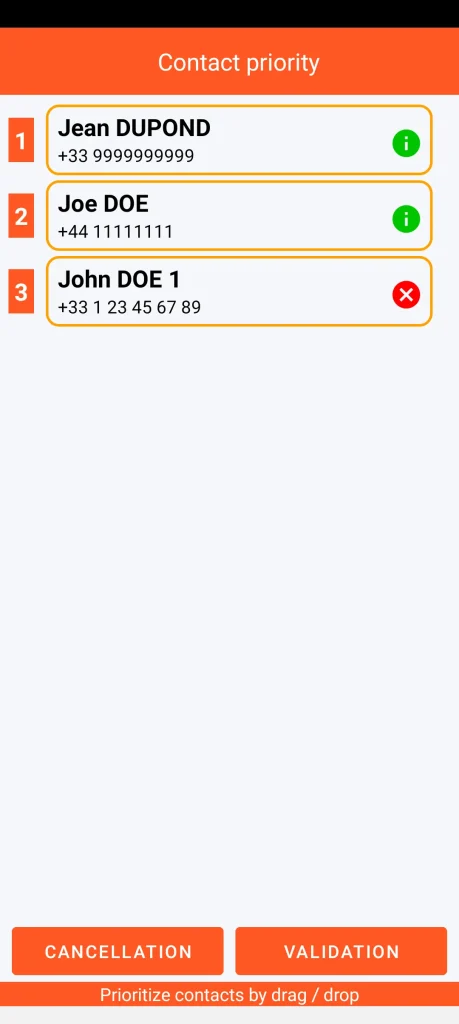
Contacts can be prioritized by dragging/dropping.
(6) Inform
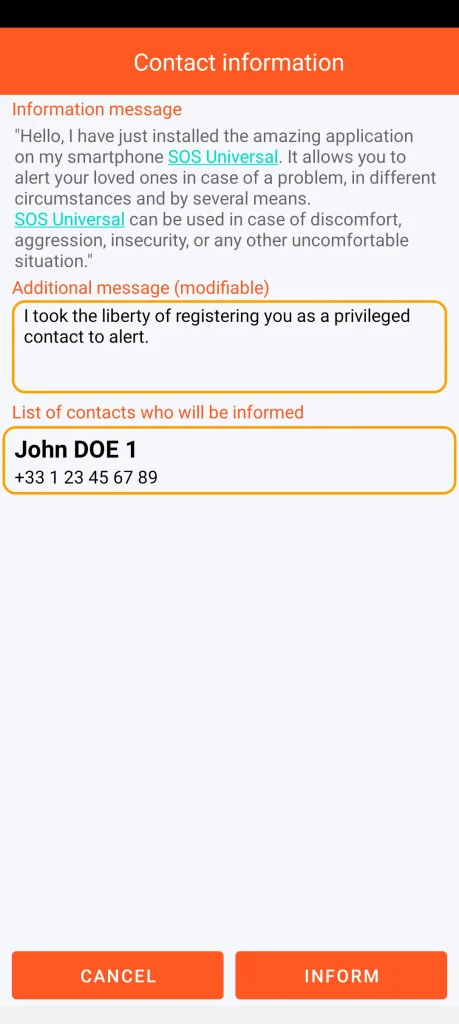
The additional message is mandatory